












Donot Miss

Latest Posts
Highlight
Popular News
Samsung, at CES 2026, launched for entry into the foldable phone arena the Galaxy Z…

iPhone’s Side Button Will Soon Support Third-Party Assistants, Only in Japan
Apple keeps on under-pinning the iPhone experience, and it seems like the latest at that will have its focus on the side button, which is a major interface for voice assistants. This side button, which has dedicated itself to Siri over the years, is about to get yet another surprisingly new functionality but one that […]

Weird Hidden Features Inside Your Windows 11 Settings
Windows 11 throws all polished visuals and smart tools. But under this neat interface lies a dependable collection of strange, clever, and easily-missed features which, although hidden away, would tend to enhance productivity, security, and personalization in strange ways. Here are probably the strangest and most fascinating settings really deep down into your Windows 11 […]
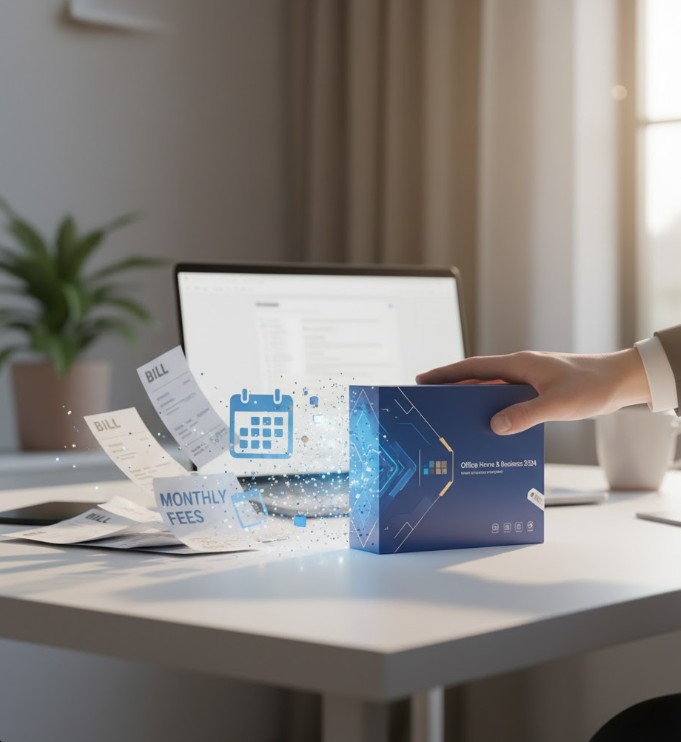
Say Goodbye to Microsoft 365 Fees With This Office 2024 Home and Business License
Microsoft Office is truly the workhorse for the lives of millions around the world-from students to business professionals. In essence, access to the full suite of Office applications meant subscribing to the ever-costly Microsoft 365 with a recurring monthly or yearly fee, but no more. Microsoft Office Home and Business-2024 provides a one-time purchase option […]
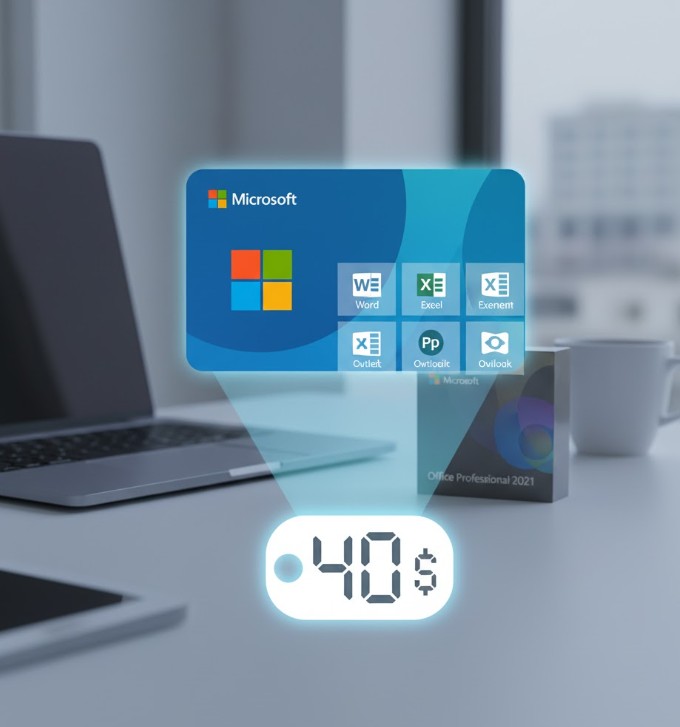
Get a Microsoft Office 2021 Pro License for Just $40
Microsoft Office is indeed one of the must-have application suites for all users-from students and professionals to entrepreneurs and common men. It comes as little surprise that people would want to know more about this offer of getting a Microsoft Office 2021 Professional license at just $40. For the productivity seeker, the ability to buy […]
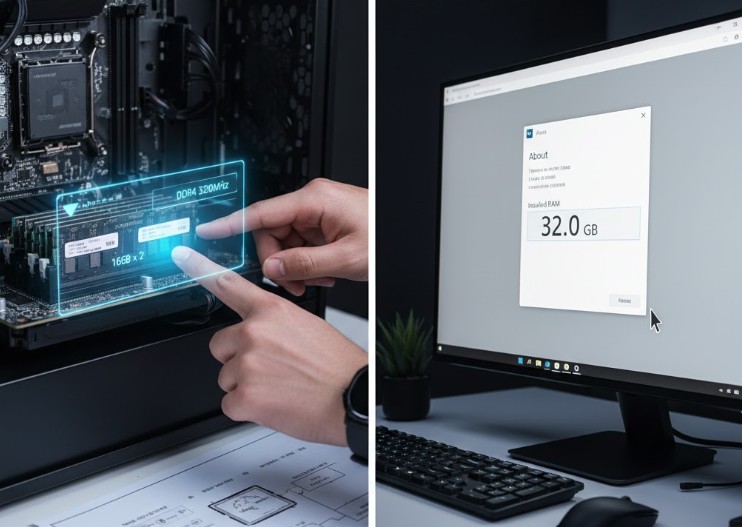
How Much RAM Do I Have in My PC? Simple Ways to Check
If you are a Windows 10 or 11 user, then press the combination Win + I to bring forth Settings, then go for System→ About. Under “Device specifications”, “Installed RAM” indicates how much memory is installed on your PC. Windows 10 or 11 – Open Settings under Win + I, System -> About. There you […]
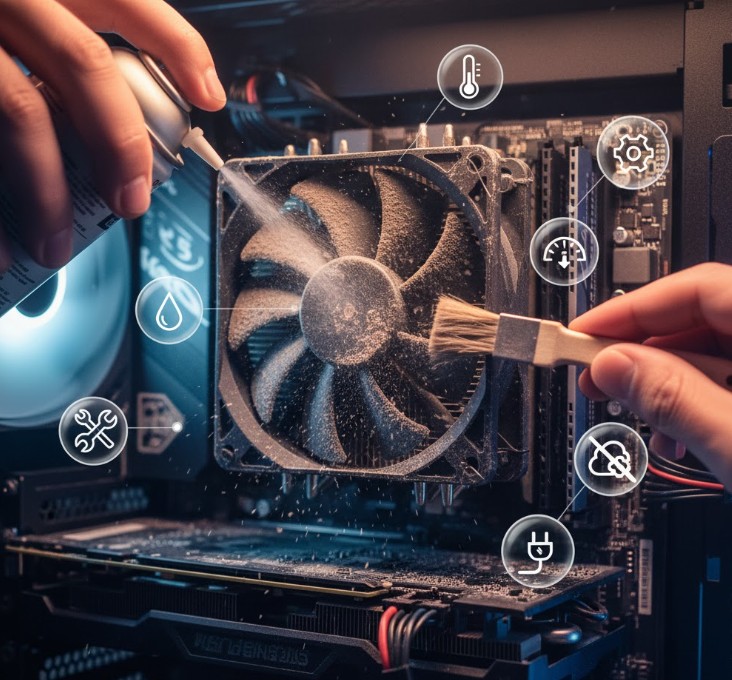
Noisy Computer Fan? Try These 6 Fixes Before Calling Tech Support
The main reason for all loud fans is the dust accumulation which block the air passage and force fans to run faster. Carefully open up your computer case or laptop, pick up a case of compressed air, and spray the fans, vents, and heat sinks clean. Dust cleaning should be done in regular months; you […]