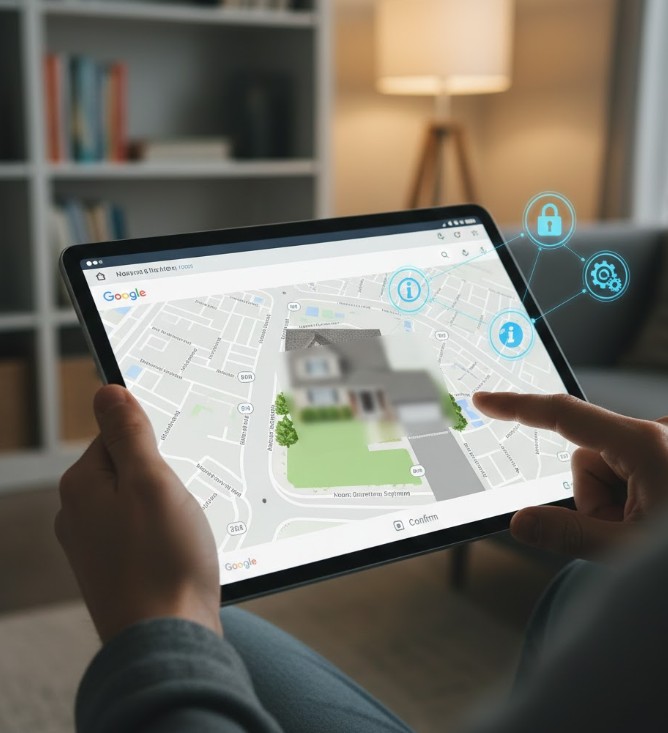
Before You Blur Your Home on Google Maps, Know These Important Facts
Blurring your house on Google Maps might seem like a quick fix for improving your privacy, but it is a very permanent decision. Once your house has been blurred, the change is permanent-and that makes it essential to understand what you gain, what you lose, and what alternatives exist. Before you take the step, here’s all that you need to know.
Blurring Your Home Permanently Affects Online Visibility
Google’s Street View blurring feature conceals your home’s exterior from the public eye once and for all. While this increases privacy, it also means that you can’t take it back later. Any navigation or identification of your property will reveal not your house, but a fuzzy block.
Criminals frequently use Street View for targeted reconnaissance.
One of the biggest reasons viewed for blurring a home is to prevent criminals from examining property layout. Street View can reveal entry points, camera positions, and secluded areas. Removing this visibility adds a layer of protection by reducing what strangers can learn about your property.
Emergency services might rely on clear visual location information.
Though not the only tool responders use, house images sometimes help with the clearer view of a home for delivery personnel or emergency response. If your home is blurred, then it can take approximately longer identifying the exact property, especially in those neighborhoods where houses look similar.
Delivery drivers rely on accurate street photography.
From couriers to service technicians, most of today’s workers use Google Maps to confirm house facades. The blurring of your home address may give first-time visitors confusion and lost packages or late service men. It is a small hassle; however, it’s well worth considering before mailing in your request.
Your Privacy Concerns Must Justify Permanent Removal
Blurring is most helpful if you’re really concerned about stalking, harassment, or unwanted attention. It can also be useful for public figures or home owners with security risks. If your concern is general online privacy, then there might be other options that balance visibility with protection.
The homes of neighbors remain visible around your property lines.
Blurring your house does not blur out other houses, streets, or landmarks that may be around your house. In other words, people can still deduce the layout of your property based on what’s visible. While privacy is increased, it is not complete. Understanding these limitations sets the expectation clearly before you request a blur.
You Should First Seek Other Means to Protect Your Privacy Digitally
Consider other privacy steps that might be enough to make you comfortable before going for a permanent solution such as updating security cameras, reducing personal details online, changing your social media settings, or install better physical barriers. In this regard, each of the described steps could offer stronger security but wouldn’t require giving up visibility of your home in Google Maps. Blurring your home is a useful option, but it shouldn’t be done without giving it a lot of thought. Understanding the trade-offs means you make sure that you’re actually protecting your privacy and not leading yourself into another kind of inconvenience in the long run. You can weigh the risks, benefits, and alternatives to make a confident and informed decision, one that would truly answer your security needs.
You May Also Like: Expose Spear Phishing Tricks: Fight Back With Smart Defense
News Source: PCmag.com