
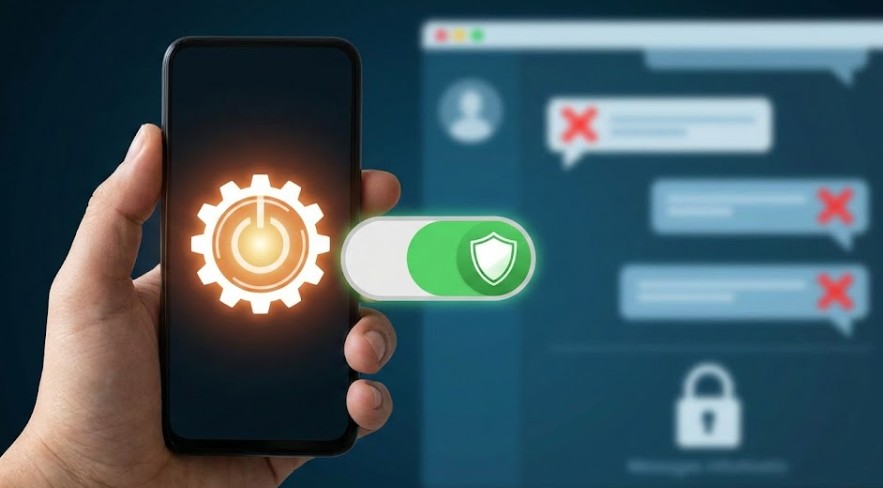

Scam texts have become one of the most common digital annoyances—relentless, intrusive, and increasingly convincing. From fake bank alerts to delivery scams, these messages try to dupe you through urgency or fear. But what many people do not know is that a single built-in phone setting can dramatically reduce those threats. It takes a few seconds to turn it on, yet it filters out most fraudulent texts before they even appear. This guide explains how that setting works, how to turn it on, and why it’s your most effective first line of defense against scams via text.
Understanding how scam text filters actually function.
Modern smartphones incorporate powerful AI-based filtering that’s designed to pick out messages from unknown or suspicious senders. Such systems look out for common scam indicators, such as links from insecure domains, urgent warning phrases, or mismatched sender IDs. The moment the filter detects risk, the message automatically lands in the “Filtered” or “Spam” folder. This keeps you safe without the hassle of sorting threats yourself or accidentally tapping into dangerous links. The more advanced your device’s algorithms get, the more accurate such filters can be, hence making this setting a must-have for every user who values privacy and safety.
Locating the Hidden Filter Setting on Your Device
Scam-filtering features are equally within reach for both Android and iPhone users; the names are different, though. In iPhones, it’s available under Settings → Messages → Filter Unknown Senders. If you turn it on, it separates your contacts from strangers and limits your exposure to fraudulent texts. Similarly, protection can be turned on for Android users by pressing Messages → Settings → Spam Protection and then Enable Spam Filter. It could be a deeply buried setting, but once you flick it on, this quietly blocks the deceptive messages deep in the background. All it takes is this tiny step to transform your safety while messaging without any real effort.
Identifying Messages Able to Pass Through Your Defense
No filter is perfect, and some sophisticated scams still bypass these tools. Knowing what to watch for keeps you one step ahead. Messages that ask for money, ask you to update bank details, or claim suspension of your account are big warning signs. Misspelled links, unknown sender numbers, and threats of urgency are also indicative of fraud. If a message seems unexpected or overly alarming, never tap any link. Instead, visit the official website of the company being referenced or contact support directly. Awareness is your backup safeguard when technology isn’t enough.
Beyond Basic Filters: Strengthening Your Phone’s Defenses While powerful, the added layers on top of the scam-filter setting make your digital world a whole lot safer. Turn on two-factor authentication for key accounts, keep your phone software up to date, and block numbers that keep calling with scams. A reputable security app will provide added screening of links to ensure even more sophisticated phishing attempts are nipped in the bud. Altogether, these tools forge a strong shield against messaging threats. Paired together, they greatly minimize your vulnerability to scam texts.
Read More: Wake Your PC Like Magic Using Wake-on-LAN
News Source: Pcmag.com






Leave a Reply