The Best Video Editing Software for Macs in 2026 — Top Picks and Why They Matter
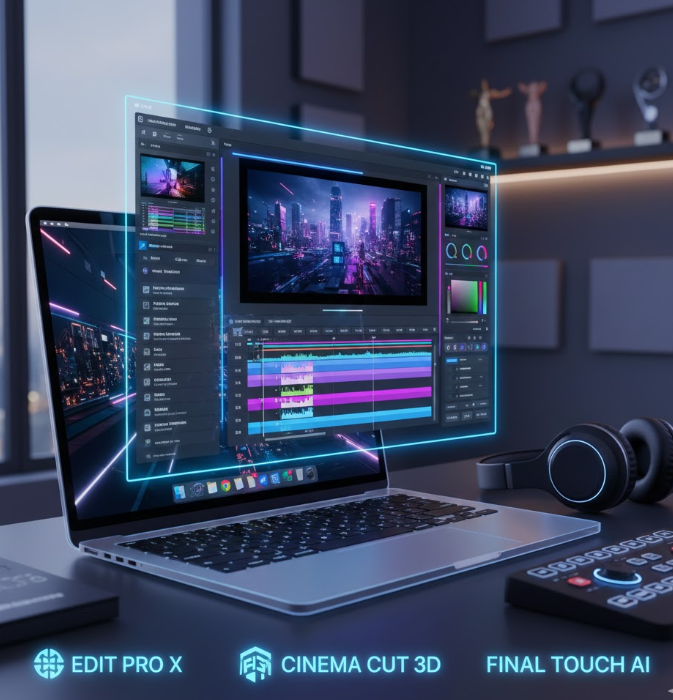
Final Cut Pro 11, for Mac creators looking to create industry-level performances, remains the flagship in 2026. natively designed for macOS and Apple silicon chips, Final Cut Pro leverages Metal-accelerated rendering, a magnetic timeline, multicam editing, HDR support, color grading, and object tracking in an intuitive interface that has been specifically crafted and refined for workflows on Mac. Smoothened by optimization on Apple hardware, 4K and even 8K editing cascade on both MacBook Pros and Mac Studio systems.
Adobe Premiere Pro Brings Creative Powerhouse Tools Across Platforms
Adobe Premiere Pro remains an excellent option for creatives looking to produce projects across desktop and mobile, or integrate deeply with other Adobe applications, such as After Effects and Photoshop. Premiere Pro’s nonlinear editing interface, robust color toolset, and generative AI capabilities-including Auto-Caption and Media Intelligence-serve to simplify even the most complicated edits. From film to YouTube videos to client projects, its feature-rich toolset and smooth cloud collaboration make it essential to many creatives.
DaVinci Resolve Merges Editing With High-End Post-Production Tools
DaVinci Resolve shines in 2026 for both beginners and pros who need all-in-one editing and finishing without a hefty price tag. Its powerful free version integrates professional editing, industry-leading color grading, Fairlight audio post-production, and Fusion VFX compositing, with optional Studio upgrades. Advanced neural engine offers AI-assisted tools for upscaling, face recognition, and smart editing that give users serious production muscle without subscription costs.
iMovie remains perfect for beginners and casual creators.
iMovie will be super approachable for Mac users who are new to video editing or work on simple personal projects. Free and usually preinstalled on macOS devices, iMovie offers intuitive drag-and-drop editing, a solid library of transitions, trailers, and effects, plus seamless integration with iPhones and iCloud. That makes it a perfect starting point for vloggers, students, and hobbyists before moving on to more advanced editors.
Cap Cut Desktop is easy editing combined with AI assistance.
CapCut Desktop brings immense value to social media content creators and short-form video editors with its free tier and templates designed for the most modern content platforms. It offers AI-powered auto-captions, edits sync’d to the beat, background removal, and ready-to-use effects that let them make fast, engaging clips with no steep learning curves. Whether posting TikToks, Reels, or short YouTube videos, CapCut streamlines this creative process.
Basic Tips for Video Editing +1 Other Great Editors For Specialized Workflows Wrapping up above, software like HitFilm Pro brings in built-in VFX and GPU acceleration for ambitious creators, while OpenShot and Kdenlive offer open-source alternatives to perform basic editing without cost. These tools are serving specific needs, from the visual effects enthusiast to the editors on a shoestring budget and further flesh out the 2026 Mac video editing ecosystem. Wikipedia +1 In a nutshell, the best video editing software for Macs in 2026 has run the gamut from free, user-friendly editors to expert suites aimed at high-end production. Whether filmmaking or making social media shorts, there is a Mac-optimized tool fit for your creative workflow that empowers creators at any level to easily make stunning video content.
News Source: PCmag.com
Read Also: Tested the New GPT-5.2