
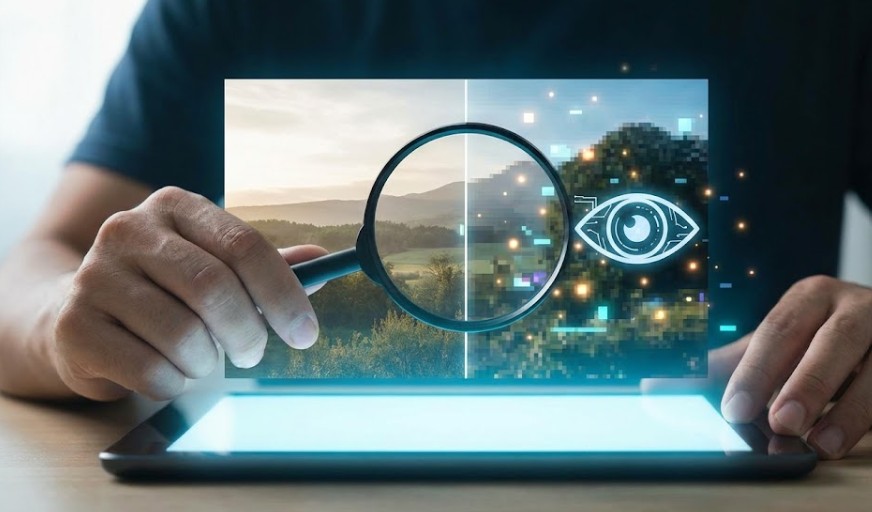

In a world where AI can produce images almost indistinguishable from real-life photography, determining what is real has never been more difficult. The millions of doctored images spread through social media dupe public opinion and deceive unwary viewers with hyper-realistic details. Learning to recognize what’s AI-generated is becoming an essential digital skill. This guide will show you seven simple and dependable methods to identify in a second if an image is real or artificially created-so you are well-informed, aware, and confidently safe in a world full of visual misinformation.
Checking unnatural details within faces and backgrounds
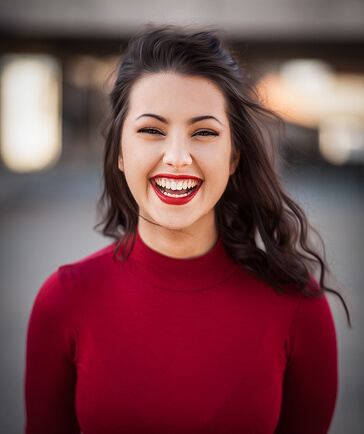
AI-generated images often fail when it comes to consistent facial features or background elements. Look closely for asymmetrical eyes, uneven skin texture, mismatched earrings, distorted hands, or blurry objects behind the subject. These inconsistencies usually indicate that the image came from an algorithm and not a camera. What AI does particularly badly is eyes, teeth, and fine detail in cluttered environments.
Checking for Odd Lighting Across Objects and Subjects
It is much easier to notice by lighting. Real photos reflect natural sources of light that behave predictably. In an AI image, there might be several shadows pointing in different directions, mismatched highlights for the surroundings, or strange brightness inconsistencies on the faces and clothes. If it is too perfect, too soft, or strangely unmatched, the light in the image is just artificial.
Spotting Strange Textures on Skin and Surfaces
AI tools often produce skin that is too smooth, a waxy look, or weird patterns on clothes and other objects. Metallic surfaces tend to appear melted, water reflections seem unrealistic, and the textures repeat oddly. These flaws betray the weaknesses of machine-generation, making texture analysis one of the fastest ways to spot fake visuals.
Analyzing Backgrounds for Warped or Impossible Objects
When analyzing an image, consider the surroundings. AI often produces warped furniture, melting objects, or a background that appears to blend into other surfaces. Street signs are often illegible, while buildings tilt unnaturally and crowds merge in impossible ways. Real photos have clear structure and logical depth.
Zooming In to Find Algorithmic Pixel Artifacts
Zooming an image always reveals digital inconsistencies. AI-generated images contain glitches at a pixel level, edges are blurry, or color gradations abruptly change. Real images retain consistent photographic grain or camera noise. It could, therefore, be that if zooming shows odd artifacts or unrealistic blending, the image is from AI.
Using Reverse Image Search for Source Verification
Reverse image tools, such as Google Lens or TinEye, will show if an image previously appeared online. If the search returns no matching results or displays variants of AI-generated content, this would indicate that a photo is artificially created. Authentic photos usually show up on several verified sources or credited platforms.
Image context analysis for implausible or impossible events Sometimes, the biggest clue can be the story behind an image. If the scene seems too dramatic, impossible, or perfectly staged, trust your instinct. AI loves exaggeration-flawless sunsets, surreal landscapes, or impossibly detailed portraits are all usually indicative of digital fabrication. Always check whether the image logically corresponds to real-world conditions.
News Source: PCmag.com
Read Also: Windows 10’s Billion-User Problem: The Upgrade That Never Happened



Leave a Reply