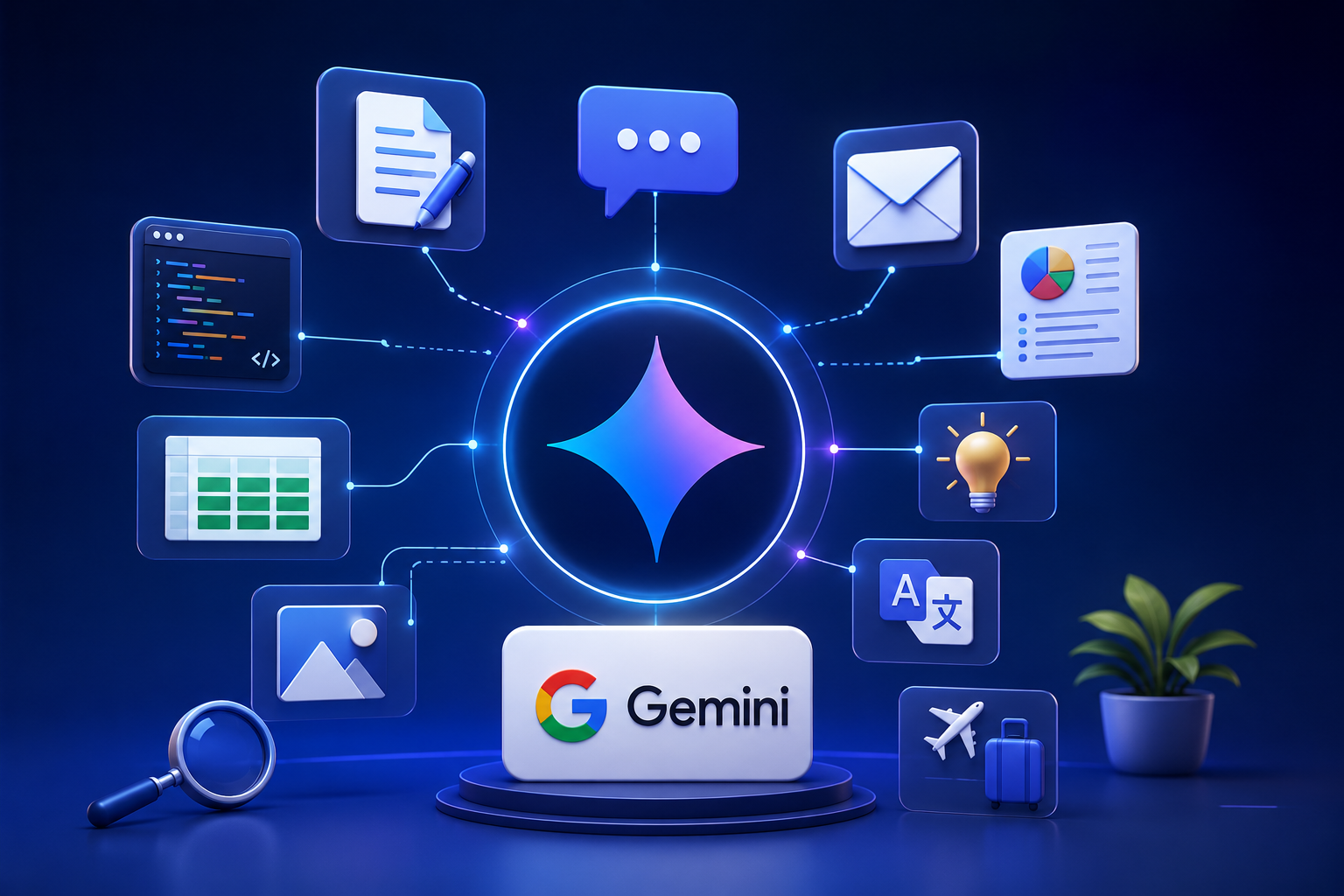
Google Gemini is a part of our daily lives now. It helps us do things faster be more productive and makes complicated work easier. Among all the AI assistants there Google Gemini stands out because it is really powerful works well with other Google services and understands language really well. Whether you are a student, a professional, someone who creates content, a developer or a business owner Google Gemini has features that can make your daily tasks easier.
This guide will show you the features of Google Gemini that you will actually use. From creating content and helping with coding to analyzing images and productivity tools these features show why Google Gemini is one of the popular AI platforms.
Smart Content Writing
One of the features of Google Gemini is that it can create high-quality written content. It can make blog posts, emails, social media captions, reports, product descriptions, summaries and marketing copy in a few moments.
You can customize the writing style, tone and length of the content, which makes it useful for both professional communication.
Advanced Question Answering
Google Gemini gives answers to a wide range of questions on different subjects. It does not just give answers but explains concepts in a way that is easy to understand which makes it useful for education, research and learning new things every day.
You can ask follow-up questions without starting a search, which makes it feel like you are having a conversation.

Powerful Coding Assistance
Developers can use Google Gemini to write explain, debug and optimize code in programming languages. It helps with creating functions solving programming errors generating sample code and explaining algorithms.
Whether you are just starting out or are a programmer Google Gemini helps you code more efficiently and reduces the time it takes to develop something.
Email. Editing
Writing emails is much easier with Google Gemini. It can create business emails, customer responses, follow-up messages and formal communication based on instructions.
You can also rewrite existing emails to sound more professional friendly, concise or persuasive depending on what you need.
Document Summarization
Long reports, research papers, meeting notes and articles can be summarized into easier-to-read versions. Google Gemini identifies the points and keeps the original meaning, which helps you save time.
This feature is especially helpful for students, researchers and professionals who work with documents all the time.
Image Understanding
Google Gemini can analyze images. Give you useful information about what it sees. You can upload screenshots, charts, diagrams, handwritten notes or photographs. Get explanations, descriptions or answers related to the visual content.
This makes it useful for learning, troubleshooting and understanding information.
Brainstorming Creative Ideas
Whether you are planning a business writing a novel creating marketing campaigns or organizing an event Google Gemini helps you generate ideas quickly.
It can suggest headlines, business names, product concepts, content topics, slogans, advertising ideas and much more which makes it a great partner for brainstorming.
Language Translation
Google Gemini supports communication in languages by translating text while keeping the meaning and context. It also helps improve grammar, sentence structure and writing clarity.
This feature is valuable for communication, travel, education and global business operations.
Spreadsheet and Data Assistance
Working with spreadsheets is easier with Google Gemini. It can explain formulas organize data suggest calculations, analyze datasets and help with creating charts and reports.
Professionals who handle reports, budgets or business analytics can improve productivity a lot using this feature.
Research Support
Google Gemini assists you in gathering information organizing research materials and explaining topics. Of manually sorting through a lot of information you get structured insights that make research faster and more efficient.
Students, educators and professionals benefit from its ability to simplify subjects and summarize information effectively.
Travel Planning
Planning a trip is more convenient with Google Gemini. It can help organize travel itineraries recommend destinations suggest packing lists estimate travel budgets and give ideas for accommodations and activities.
This feature saves time while helping you create travel plans.
Personalized Learning Assistance
Google Gemini acts like a tutor by explaining academic subjects solving mathematical problems simplifying scientific concepts and helping you prepare for exams.
Its interactive approach allows you to explore topics in depth while getting explanations tailored to your level of understanding.
Meeting and Productivity Support
Professionals can use Google Gemini to organize meeting agendas summarize discussions create action items and draft project documentation.
It also assists with task management, scheduling ideas and productivity planning which makes collaborating at work more efficient.
Content Optimization
Writers and marketers can improve existing content using Google Gemini. It helps optimize articles for readability, grammar, clarity and search engine visibility.
You can rewrite paragraphs improve headlines simplify language or enhance engagement without losing the original message.
Everyday Problem Solving
Google Gemini assists with everyday tasks including creating meal plans writing shopping lists organizing schedules solving household problems planning fitness routines and answering general questions.
Its versatility makes it a practical digital assistant for both professional use.
Why Google Gemini Is Popular
Google Gemini combines artificial intelligence with natural language understanding making conversations feel more intuitive. Its ability to generate text, analyze images assist with coding summarize documents and integrate with productivity workflows has made it one of the versatile AI assistants available.
The platform keeps evolving with capabilities, which allows you to accomplish more while reducing the time spent on repetitive tasks.
Tips for Getting the Best Results
To get the most out of Google Gemini give it detailed instructions when you ask questions. The context you provide the more accurate and personalized the responses will be.
Try out prompts ask follow-up questions and specify your desired tone or format when generating content. This helps produce relevant and useful results.
Benefits of Using Google Gemini
Using Google Gemini can improve productivity a lot by automating tasks and simplifying complicated processes. It helps you create content faster solve technical problems organize information and make decisions.
Its broad range of capabilities makes it suitable for students, professionals, businesses, educators, developers, marketers and everyday users who are looking for an AI assistant.
The best features of Google Gemini go beyond just answering questions. From writing content and summarizing documents to coding assistance image analysis, travel planning and productivity support Google Gemini offers tools that you can use every day.
Whether you want to work efficiently enhance your creativity, simplify research or streamline everyday tasks Google Gemini provides intelligent solutions that save time and boost productivity. As artificial intelligence keeps evolving Google Gemini remains a companion, for anyone who wants to work learn and create in smarter ways.